A Mac Dock Setup for People Who Code, Design, and Take Calls
Published · 6 min read
If your Dock is a pile of Xcode, Figma, Slack, Chrome, and Zoom, you are not disorganized. You are running three jobs in one strip. Ordin is for that desk: short docks for Build, Design, and Call, plus a preset that shows only the set you need for the next hour. Apple’s Dock can stay. The $12.99 license is for people who would keep that split after the trial.
This post is for you if…
- You write code and ship design and sit in calls on the same Mac in one week.
- You open Slack from the same row as the editor, then wonder why focus breaks.
- You work on an external monitor while Apple’s Dock is still on the laptop.
- You have already tried “just unpin half the Dock” and the icons crept back.
If you use one screen, open five apps, and the Dock already sits under your windows, skip this. Moving or hiding that Dock in System Settings is free, and a second strip will not earn $12.99. The longer “who should buy” note is is a second Mac dock worth $12.99.
Three docks, not thirty icons
Do not clone Apple’s Dock. Build three short rows. Six to eight icons each. Name them for the work.
- Build. Editor or Xcode, Terminal, Git client, docs browser. Vertical on the display where the editor lives. Small icons. Magnification off if you hit them by position.
- Design. Figma or Photoshop, a reference browser, and a Finder shelf for exports. Larger icons. Float near the canvas if the edge is crowded.
- Call. Calendar, Zoom or Meet, Slack or Messages, and a clock widget. Horizontal on the screen that holds the meeting window. Easy to hide when the call ends.
Apple’s Dock stays as the short system list: Finder, System Settings, and the two apps you open no matter the task. Everything else moves into Build, Design, or Call. The full library pattern is in specialized docks for each task.
Two presets that match a real day
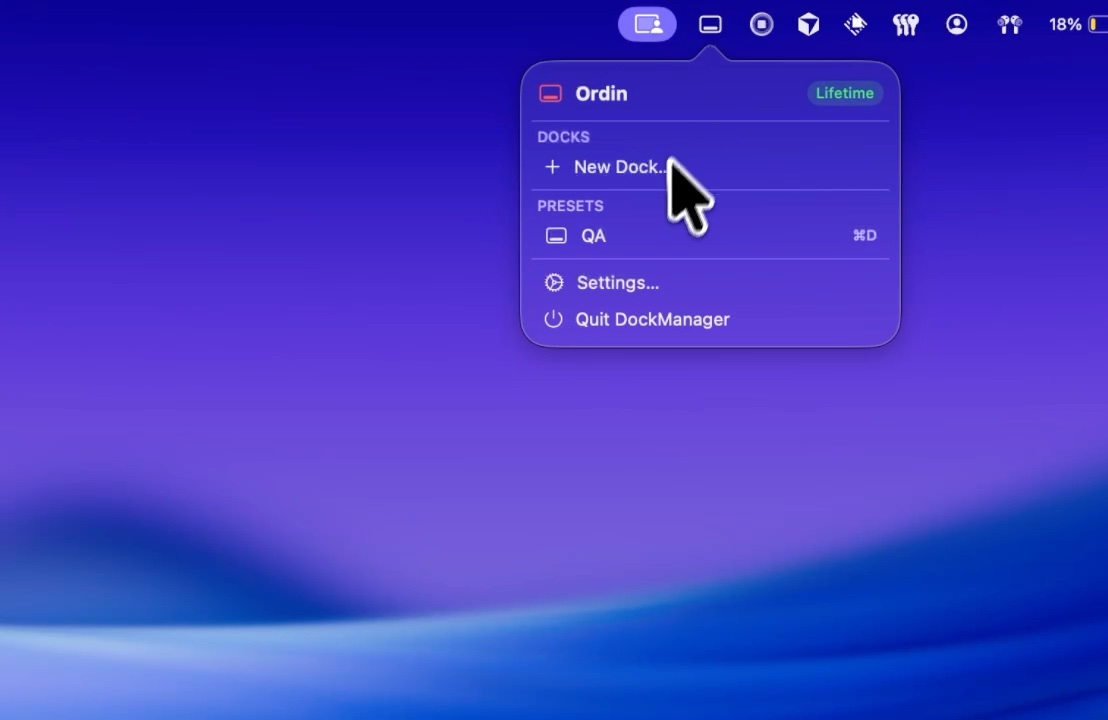
Presets remember which docks are visible. You are not rearranging icons every time the calendar pings.
- Deep work: Build and Design on. Call hidden. Slack is not in the strip you stare at while shipping.
- Meeting: Call on. Build and Design hidden so the meeting screen is not a launcher for the rest of the week’s tools.
Bind each preset to a hotkey. Switch when the calendar block starts, not after you have already opened five wrong apps. Hotkey details are in dock presets and hotkeys.
Laptop + monitor: put Call where the face is
On a MacBook plus one display, the Dock often sits on the laptop while the ultrawide holds the work. Put Build or Design on the monitor you look at. Put Call on the screen that shows the meeting window. Hover an icon for a live window preview so you pick the right Chrome window without Command-Tabbing through ten tabs of noise.
Step-by-step for that desk: a dock on the external monitor.
What to prove in the 2-day trial
No account. Spend the trial on this layout, not on every setting.
- Day one: create Build, Design, and Call. Pin only the apps you used yesterday. Delete anything “just in case.”
- Save Deep work and Meeting presets. Use the hotkey at least four times.
- Day two: do a real build hour with Call hidden, then a real call with Build hidden. If you still reach for the same overcrowded Apple Dock, do not pay.
After the trial, two docks remain without a license. Presets and a larger set need $12.99 once for this Mac. Use the buy-after-trial checklist before checkout.
If code, design, and calls already fight for one Dock, try the split for two days. No account. Pay $12.99 only if you would keep the presets.
Download for MacOr pay $12.99 if you already know you want it.
FAQ
Who is a second Mac dock for?
People who switch between building, designing, and meetings on one Mac—or whose Dock sits on the wrong display. Not people with a short Dock that already lives under their work.
Should Slack live next to the editor?
No. Put chat on Call. Hide that dock during deep work with a preset.
What if I only need two docks?
Build and Call is enough for many weeks. Design can wait until a project week. Two docks still work after the trial without a license.
Related: Specialized docks for each task · Buy after the free trial · Is a second dock worth $12.99?