Is a Second Mac Dock Worth $12.99?
Published · 7 min read
Apple’s Dock costs nothing, and it is the only one macOS will give you. A second dock is worth paying for when the screen you work on has no icons, or when one row is doing two jobs. It is not worth paying for if that Dock already sits where you look. Ordin is $12.99 once for one Mac, after a 2-day trial with no account.
What you are actually buying
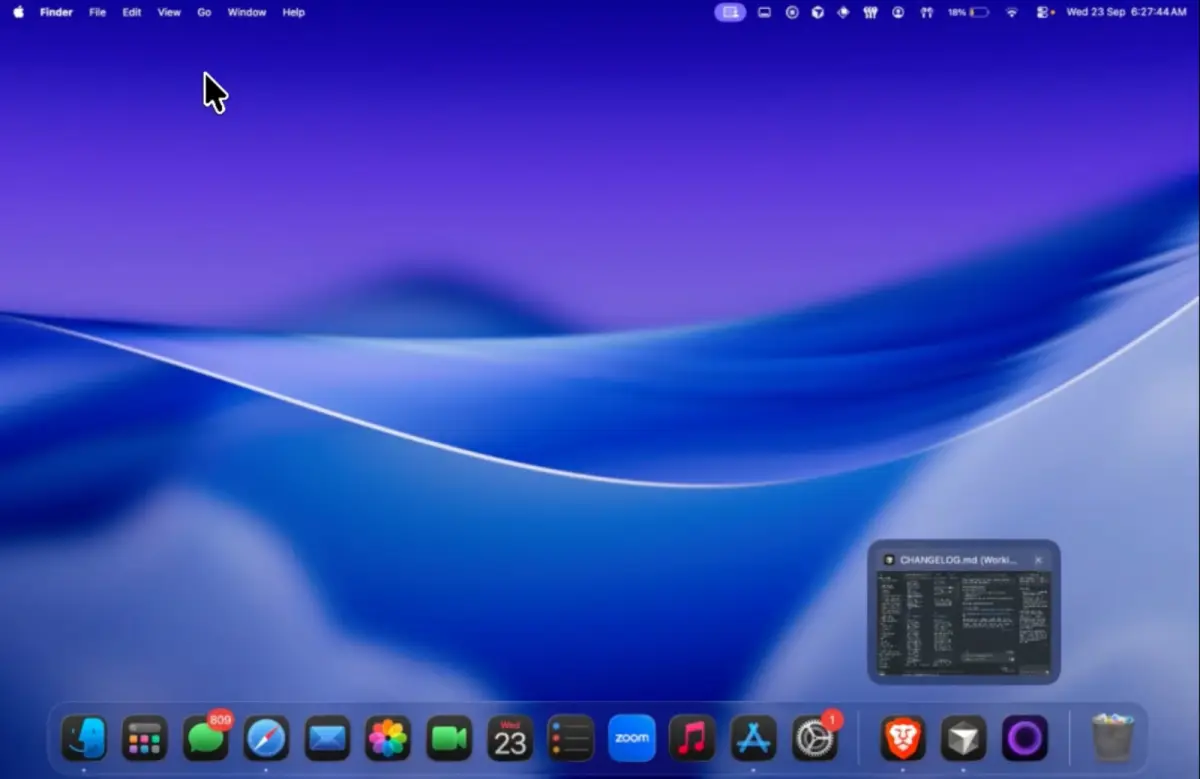
You are not replacing the Dock. Ordin draws more docks beside it. Each one can sit on the bottom, top, left, or right of a display, or float. Hover an icon, on Apple’s Dock or on an Ordin dock, and the open windows show up as live thumbnails, so you click the window instead of cycling through the app. That is the part people notice on the first afternoon. The longer note is live window previews on a Mac dock. For a day-by-day trial plan before checkout, use buy Ordin after the free trial.
The license is one payment of $12.99 for this Mac. The terms say that payment includes updates Ordin publishes for this app. It is not a subscription, and it is not a promise that a particular future feature will ship. Checkout asks for an email so the key can be delivered. Card payment runs through Razorpay, in US dollars.
Use the two days on the job that annoyed you
The trial includes the full app. Spend it on the setup you would keep, not on a tour of every setting.
- The display with no Dock. If the laptop has the icons and the external monitor is where you work, put one dock on that screen and pin the apps you open there. The walkthrough is a dock on the external monitor.
- Two jobs, one row. A short dock for the editor and terminal, another for the meeting. A preset shows one set and hides the other. Hotkeys are in presets and shortcuts.
- The window you meant. Hover the browser or the editor and pick the window from the thumbnail. If you still reach for Command-Tab the same number of times, the previews are not earning their place on your desk.
Two days is enough to feel a missing dock. It is not enough to redesign the whole Mac. If you have not wanted the extra strip by the end of the second day, do not pay.
What stops if you do not pay
After the trial, without a license, two extra docks remain. Presets stop. The larger set, the layouts, and the advanced tools from the trial need the license. Paste the key into Settings → License.
That split is the decision. Two docks may be the whole product for a laptop plus one monitor. Pay when you want more than those two, or when you want to switch layouts instead of leaving every dock on screen. If one Dock was the problem, a Mac still has only one system Dock after you quit Ordin.
Who should skip it
Skip it if you use one screen and the Dock is already on it. Moving that Dock, or hiding it, is free in System Settings, and a second strip will not fix a Dock that is simply too full.
Skip it if you want Apple’s Dock gone. Ordin leaves it in place. Apps that replace the Dock are a different purchase. The dated comparison is Ordin and ExtraDock, and the wider list is ExtraDock alternatives. ExtraDock’s Forever Edition is the one built for several Macs. Five Ordin licenses would be five keys.
Skip it if the Mac is older than macOS 13. The disk image is the same for Apple silicon and Intel. The app’s own interface is English.
When $12.99 is the cheap option
A year of a dock utility that bills annually can pass $12.99 before the second invoice. Ordin’s price is the whole license for one Mac. It is the cheap option when you know you want the extra docks next year, on this computer, and you do not need a household license.
It is a bad trade if you are still unsure the second dock belongs on the desk. Download the trial and put one dock on the screen that feels empty. Pay on the second day only if taking it away would annoy you.
Two days, no account. If the extra dock is still in the way you work, the license is $12.99 once.
Download for MacOr pay $12.99 if you already know you want it.
Related: A dock on the external monitor · Ordin vs ExtraDock · Presets and hotkeys