Can a Mac Have More Than One Dock?
Published · 7 min read
A Mac has one Dock. macOS does not add a second Dock for another monitor or another kind of work. You can move that Dock to the left, bottom, or right edge, hide it, or let it follow the pointer to another display, and it is still the same set of icons. A second dock is a separate bar drawn by an app. Ordin adds those bars and leaves Apple’s Dock in place.
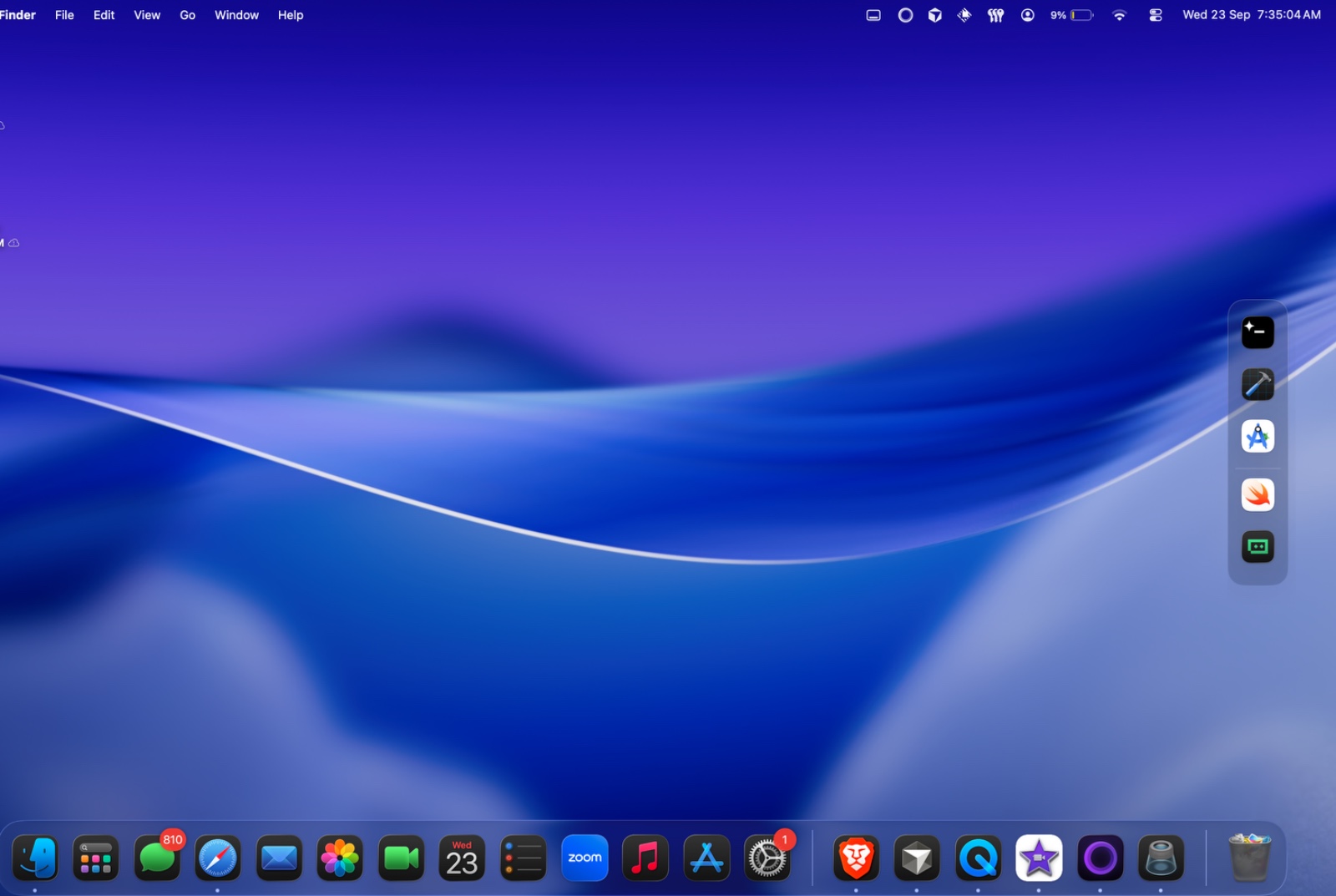
Can macOS show two Docks?
No. System Settings → Desktop & Dock controls the one Dock that ships with the Mac. The position choices are left, bottom, and right. Automatically hide and show tucks that same Dock away until the pointer hits its edge. On a desk with more than one display, the Dock can follow the pointer onto the screen you are using. The icons do not split. A new desktop in Mission Control uses that same Dock too.
That is why a laptop plus an external monitor feels short one bar. The Dock is on the screen the pointer last called it to. The other screen has the menu bar’s display rules, and no second launcher. Moving the Dock, hiding it, or opening another Space does not create a second set of apps.
Add a dock, or replace the Dock?
Two kinds of apps answer this. One kind draws extra docks and leaves Apple’s Dock where it is. The other kind becomes the Dock, and Apple’s is hidden or retired. Prices below are in US dollars and were taken from each product’s site on 24 September 2026, except Ordin’s price, which is the price on this site. The wider list is ExtraDock alternatives.
| App | Apple’s Dock | Price |
|---|---|---|
| Ordin | Stays. Extra docks sit beside it. | $12.99 once, one Mac |
| ExtraDock | Can stay, or you can hide it. | $14.99 for 1 year on 1 Mac |
| DockDoor Pro | Replaced. | $20 once, up to 3 Macs |
| uBar | Replaced by a dock or a taskbar. | $30 personal, up to 2 Macs |
DockDoor, the free app, is a different product from DockDoor Pro. The free app adds hover previews to the Dock you already have. It does not add a second dock. ActiveDock 2 is a replacement dock. Its FAQ says it does not create several docks. If the thing you miss from Windows is a taskbar on every screen, uBar is the closer match, and Ordin is the closer match when Apple’s Dock should remain the Dock.
How do you add a second dock?
In Ordin the steps are short. The 2-day trial includes them, and it does not ask for an account.
- Download the disk image, open it, and drag Ordin to Applications. The Mac needs macOS 13 or later. Apple silicon and Intel use the same file.
- Open Ordin and add a dock from the menu bar extra.
- Put it where Apple’s Dock is not. A side edge, the top edge, the other display, or floating on the desktop. Apple’s Dock has no top position. An Ordin dock does. A vertical strip suits a portrait monitor or the empty side of a wide display. That layout is a vertical dock on a Mac.
- Drag on the apps for that screen or that job. Keep the row short. Six to ten icons is enough for one kind of work.
- Hover an icon. Live thumbnails of that app’s open windows appear on the extra dock and on Apple’s Dock, so you can jump to the right window.
A second dock for the external monitor is written up in put a dock on your external monitor. One dock per display is the every-monitor guide. Several docks for coding, design, and calls, with only the current set visible, is specialized docks for each task.
What stays after the trial?
During the 2 days you can build the full set, including presets that show and hide docks together. After the trial, without a license, two docks remain and presets stop. A license is $12.99 once for this Mac and keeps the larger set. Payment is optional during the trial. The license is a key you paste into Settings → License. Details are in the terms.
Each extra dock has its own icon size, spacing, magnification, tint, and background: Solid, Transparent, or Liquid Glass. Widgets that can sit in the row include a clock, a file shelf, a mirror of Apple’s Dock, a space indicator, and TamaDocky. Ordin does not replace the picture on every app icon. ExtraDock documents that, and the comparison is on Ordin vs ExtraDock.
Add the second dock during the trial. 2 days, no account. $12.99 once keeps the larger set on this Mac.
Download for MacRelated: A dock on the external monitor · A dock on every monitor · ExtraDock alternatives