A Finder Shelf in Your Mac Dock
Published · 5 min read
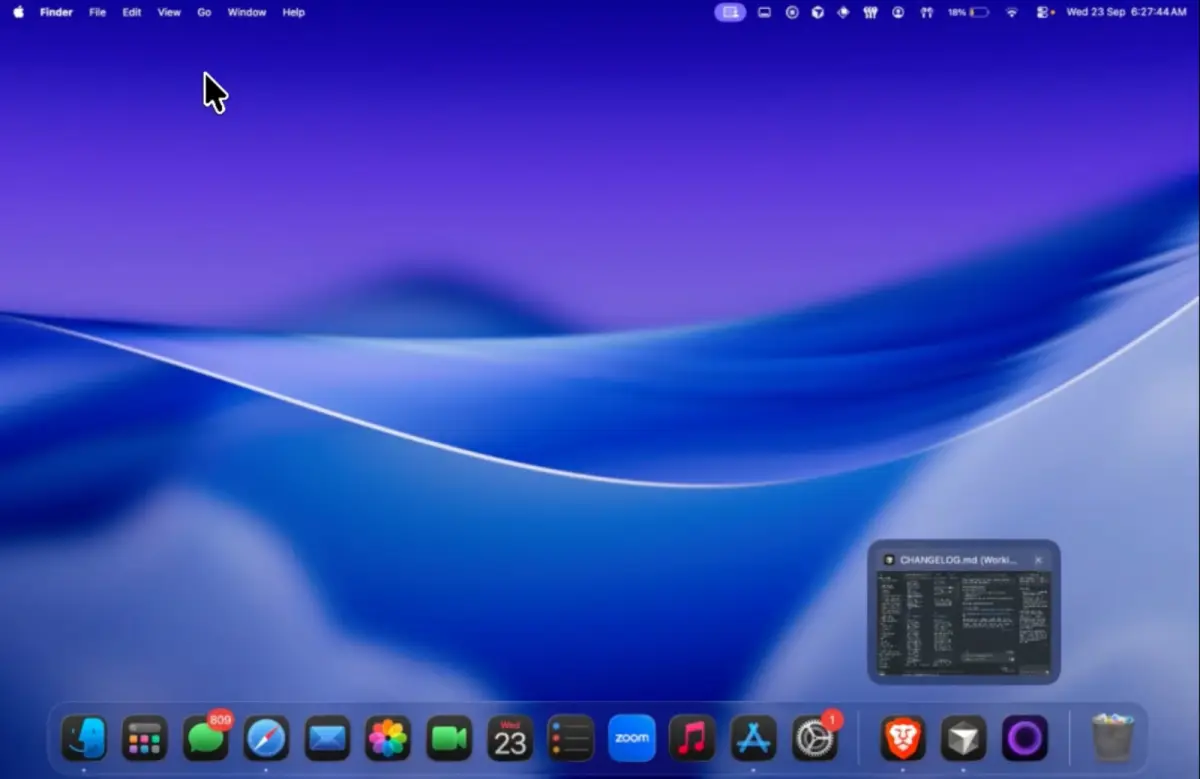
Downloads and exports often land on the Desktop because that is the only place that stays visible between apps. A shelf in an Ordin dock is a short tray in the dock row. Drag files onto it from Finder. Click the tile when you need them. Apple’s Dock stays for apps. The files you are moving sit next to Finder on the dock you use for that work.
Why files end up on the Desktop
Finder windows close. Downloads land in a folder you stop looking at. The Desktop is always there, so it becomes the staging area. That works until the wallpaper is a grid of PDFs and screenshots. Apple’s Dock can hold a folder or a document alias, and that helps for a few pinned items. It is not a tray you fill and empty during one afternoon of edits.
The shelf is for that afternoon. Put it on a files dock with Finder, Preview, and the app that receives the export. Leave the coding dock without a shelf. Widgets belong to the dock they sit in, which is the pattern in widgets in a Mac dock.
What the shelf is for
- Exports on the way to email or Drive. Drag them onto the shelf, finish the message, then clear the tray.
- Screenshots you are about to crop. Drop them beside Preview instead of scattering them on the Desktop.
- A handoff between two apps. The file stays in the dock row while you switch windows. Hover the receiving app and the live preview shows which window to open.
It is not a second Downloads folder and not a backup. Keep the tray short. A dock that holds every file you own is just a crowded Desktop with a different shape.
How to add a shelf
Widgets are in the 2-day trial. No account.
- Download Ordin and drag it to Applications. macOS 13 or later.
- Add a dock, or open one you already use for files.
- Add a Shelf widget into that dock’s row, next to Finder.
- Drag files onto the shelf from Finder. Click the tile to see what is waiting.
- Optionally add a clock on the same dock if that row is also where you check the time. Clicking the clock opens Calendar.
After the trial, two docks remain without a license. The widgets on those docks stay with them. A larger set of docks needs the $12.99 lifetime key for this Mac.
Put a shelf beside Finder for one afternoon of exports. 2-day trial, no account. $12.99 once keeps the larger set of docks.
Download for MacOr pay $12.99 if you already know you want it.
Related: Widgets in a Mac dock · Specialized docks for each task · Live window previews