A Mac Dock Setup for Developers
Published · 5 min read
Developers live in the same three apps all day—and a dozen others they should not see while debugging. Split the toolchain onto a short vertical dock and hide Slack until standup.
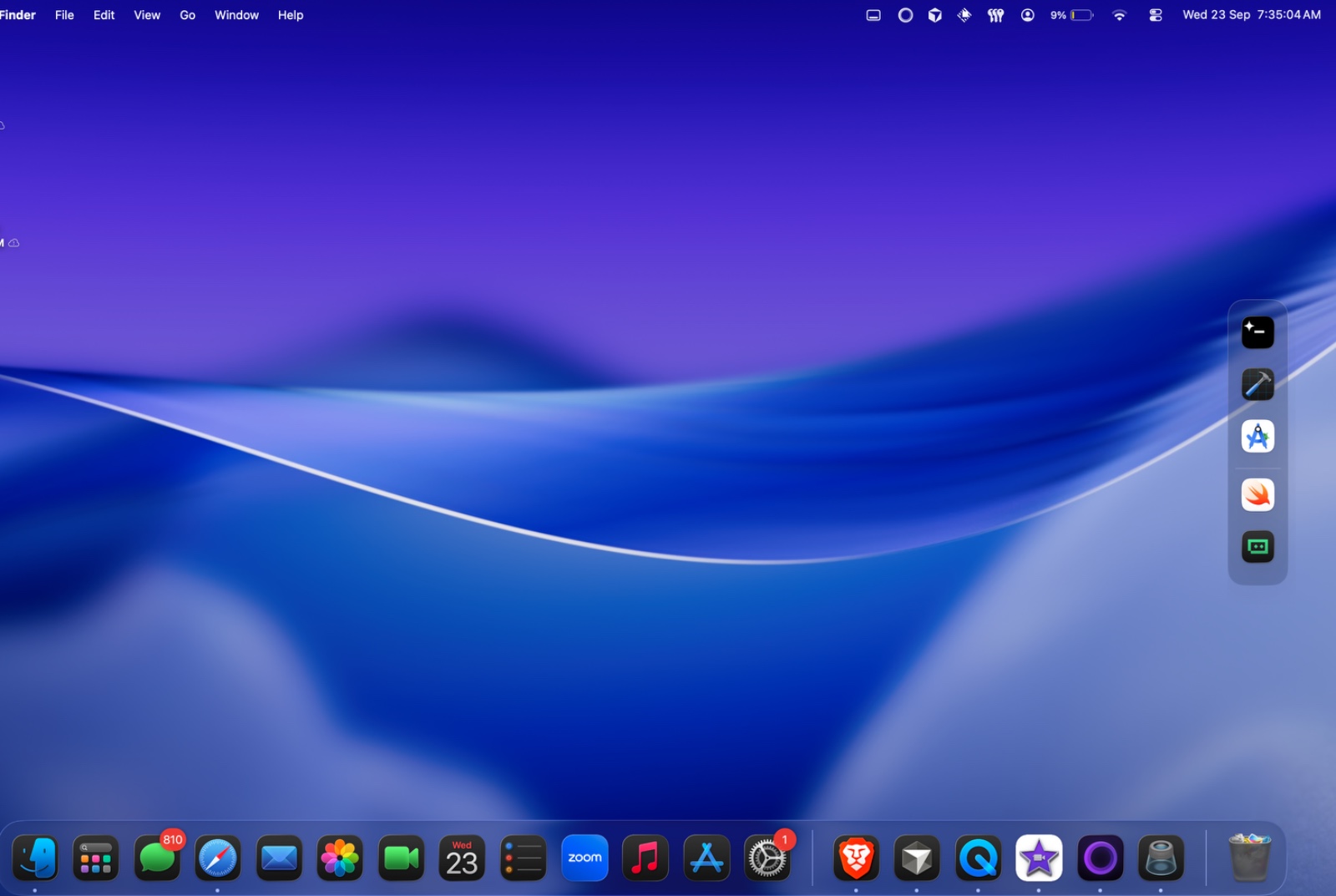
What belongs on a dev dock
- Xcode or your editor
- Terminal or iTerm
- Git client or GitHub Desktop
- One browser profile for docs
Not Slack. Not Mail. Those belong on a Call dock you hide with a preset during deep work. Pattern: code, design, and calls.
Vertical on the code monitor
A vertical strip keeps the bottom edge free for the terminal panel. Live window previews help when Safari has twelve Stack Overflow tabs—hover and pick the thumbnail. See live window previews.
Try the layout on your desk for two days. No account. $12.99 once if you keep it.
Download for MacFAQ
Should developers replace Apple’s Dock?
No. Keep Finder and system apps on Apple’s Dock. Put the toolchain on Ordin.
Does Ordin work with Apple silicon and Intel Macs?
Yes. macOS 13 or later on both.
Related: Task docks · Presets