A Mac Dock Layout for Video Editing
Published · 5 min read
Editors jump between the timeline, Finder for assets, and a review browser. One crowded Dock slows every export. Use a short edit dock plus hide-on-fullscreen when the client preview goes full screen.
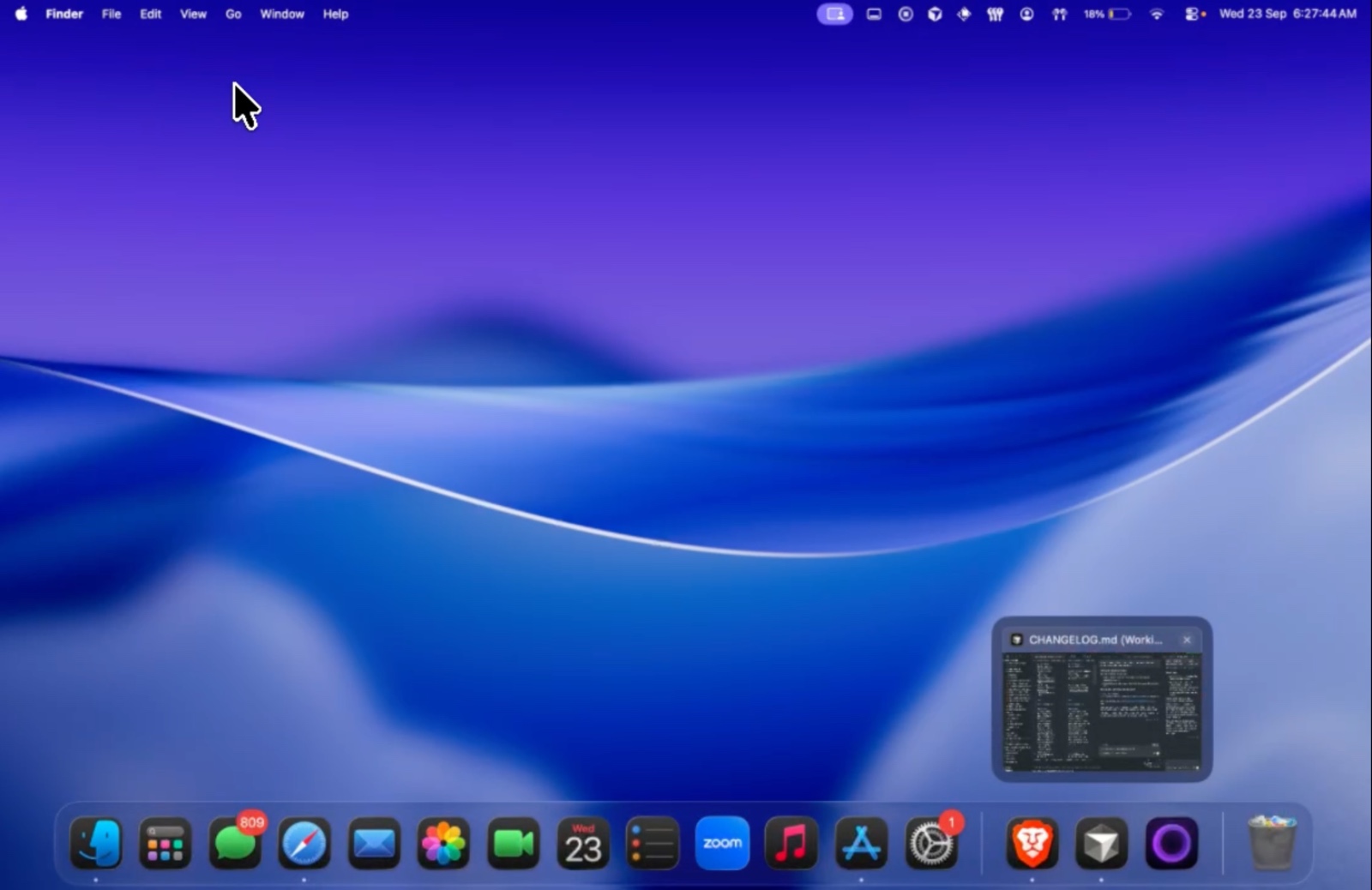
Edit dock contents
- Final Cut, Premiere, or DaVinci
- Finder or a file shelf for exports
- Review browser (Frame.io, Vimeo)
Enable hide on fullscreen so the dock leaves during client playback, then returns when you exit.
Previews for duplicate project windows
Hover the NLE icon to pick the correct project window without tabbing through duplicates.
Try the layout on your desk for two days. No account. $12.99 once if you keep it.
Download for MacFAQ
Will the dock cover my video?
Turn on hide on fullscreen for that dock, or float the dock away from the preview monitor.
Related: Fullscreen hide · Finder shelf