Mac Dock on an Ultrawide Monitor
Published · 5 min read
On a 34-inch or 49-inch panel, a bottom Dock steals height you need for timelines and code. Put Apple’s Dock on auto-hide and run a vertical Ordin dock on the side you favor.
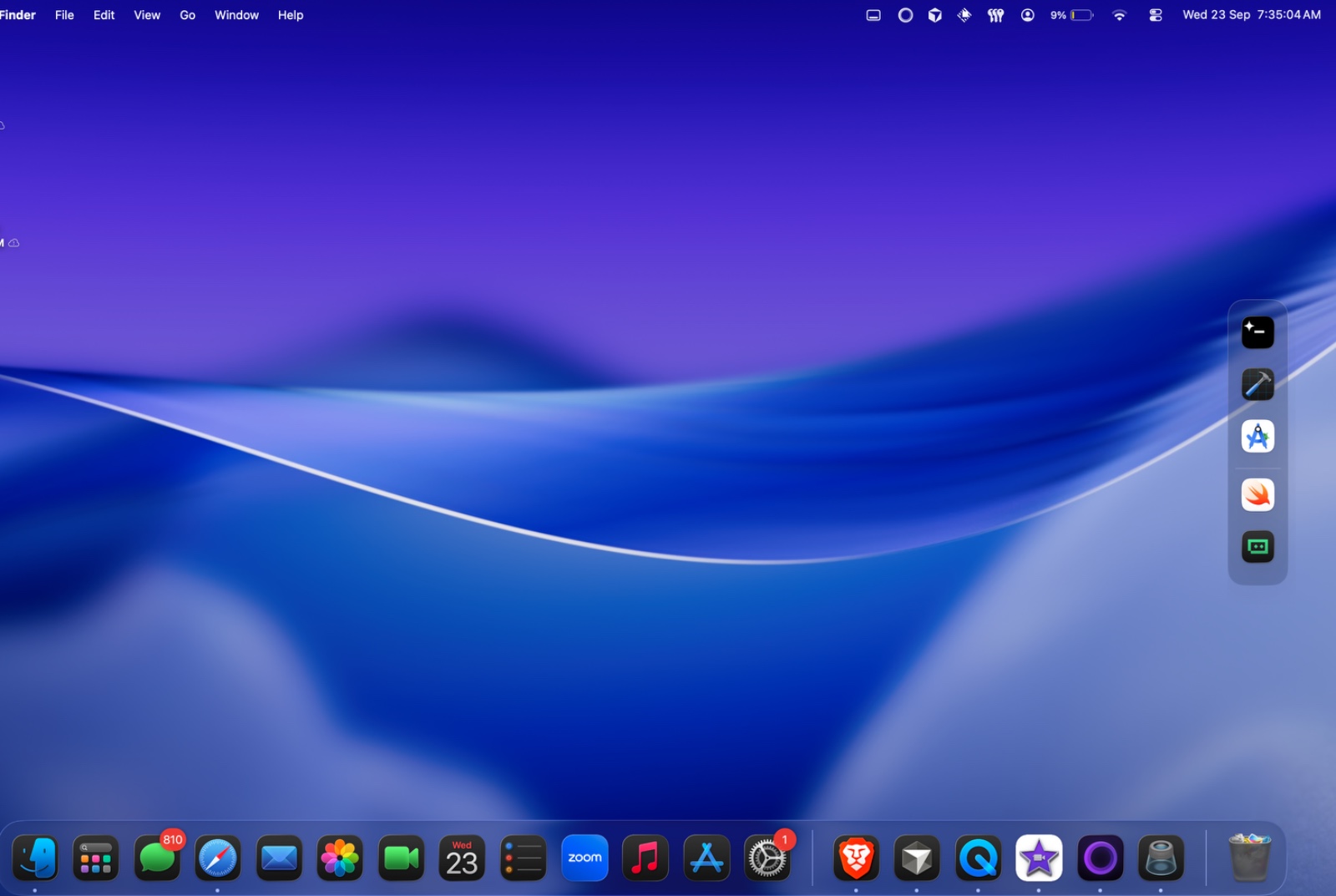
Side vs bottom on ultrawide
Bottom docks compete with video timelines, terminal splits, and browser dev tools. A vertical strip uses dead margin on the left or right. See vertical dock on a Mac.
Two zones on one panel
Some desks put communication on the right vertical dock and build tools on the left. Presets hide one side during focus hours.
Try the layout on your desk for two days. No account. $12.99 once if you keep it.
Download for MacFAQ
Should I move Apple’s Dock to the side?
You can, but you still have one Dock. A second vertical Ordin dock lets Apple’s Dock stay minimal.
Related: Vertical dock · Auto-hide