Mac Dock for Remote Work
Published · 5 min read
Remote work means the calendar block and the Zoom window often live on a different screen than Apple’s Dock. Pin Call apps to the monitor where you actually look during meetings.
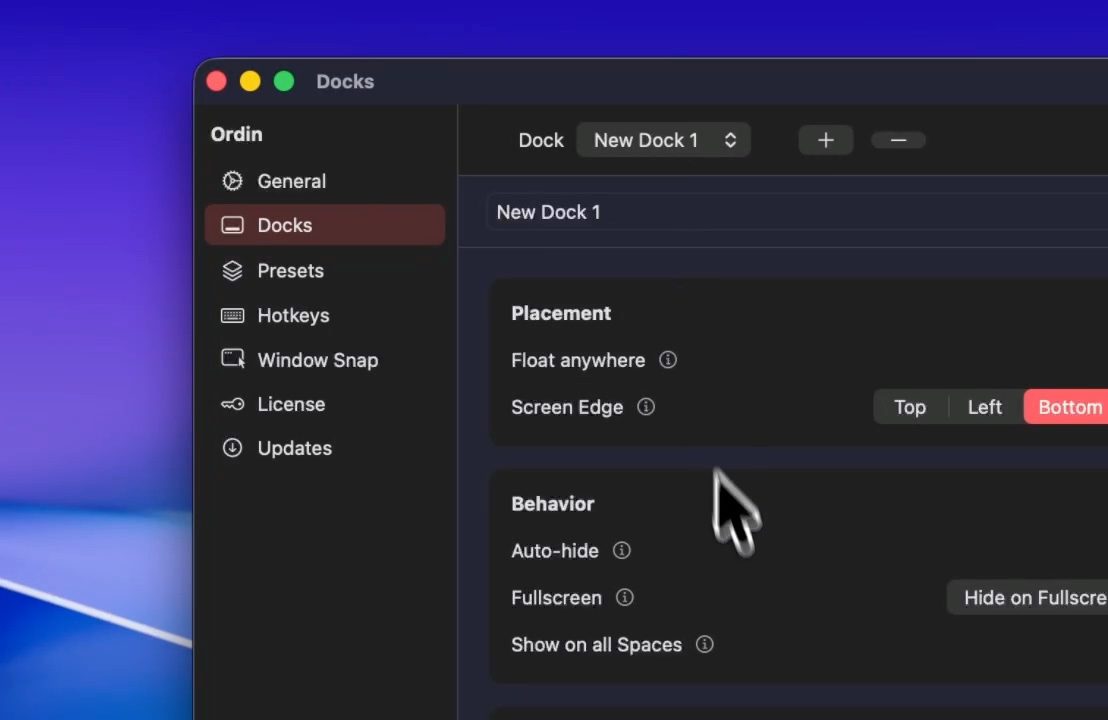
Call dock on the meeting monitor
Calendar, Zoom, Google Meet, Slack, and a clock widget on one horizontal dock. Place it on the screen that shows the gallery view.
Share screen without leaking icons
Hide Build and Design presets before sharing so clients do not see your toolchain dock. Switch back when the call ends.
Try the layout on your desk for two days. No account. $12.99 once if you keep it.
Download for MacFAQ
Which monitor should the meeting dock use?
The one that shows the video call window most of the time—not necessarily where Apple’s Dock lives.
Related: Call setup · External monitor