Hide Slack and Mail From Your Mac Dock During Deep Work
Published · 5 min read
Slack badges and unread Mail in the same row as Xcode train your eyes to leave flow state. Put chat on a dock you hide with one hotkey—not by uninstalling tools you need at 3 p.m.
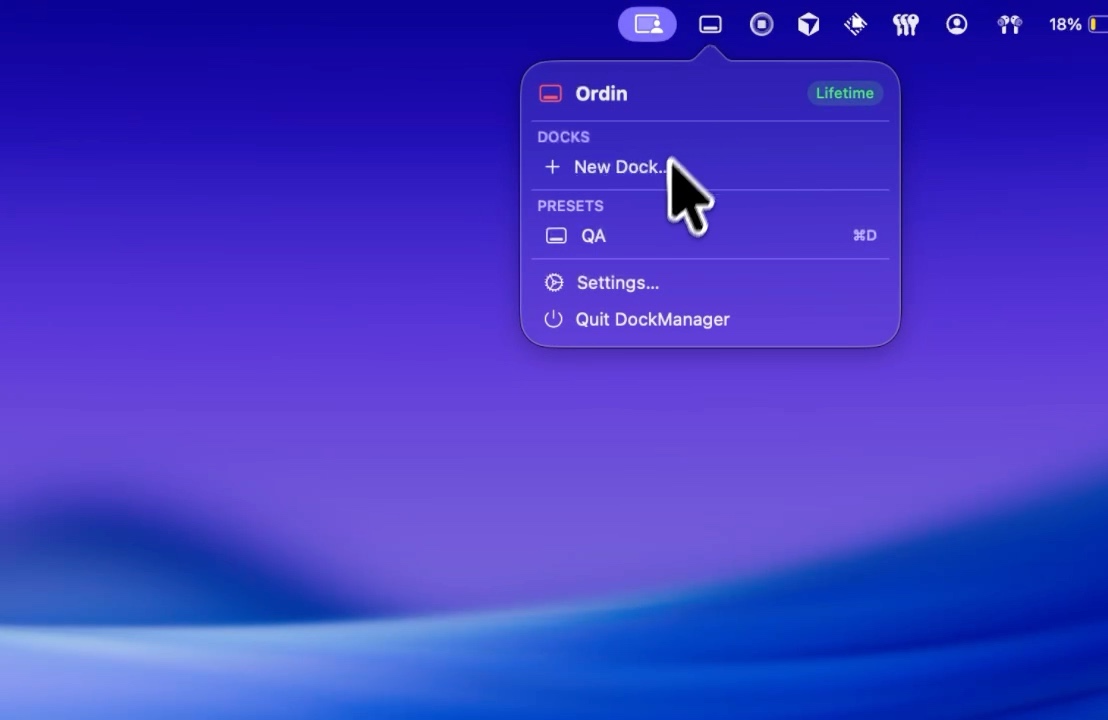
Deep work preset
Show Build (or Design). Hide Call entirely. Apple’s Dock stays a short system row without Slack pinned.
Meeting preset
Reverse it: Call dock on the meeting monitor, Build hidden so you are not one mis-click from a compile during a standup.
Full layout: code, design, and calls. Declutter tips: declutter the Dock.
Try the layout on your desk for two days. No account. $12.99 once if you keep it.
Download for MacFAQ
Is hiding a dock the same as quitting Slack?
No. Slack keeps running. The launcher is just off screen until you switch presets.
Related: Code and calls · Declutter